


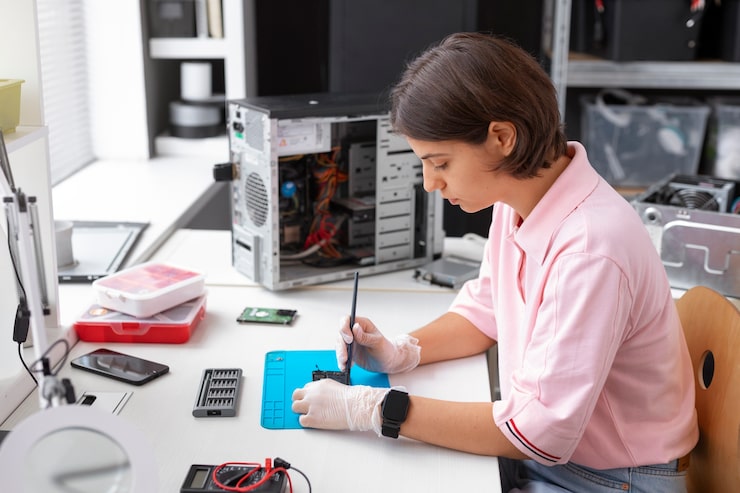
Building your own computer has never been more accessible, and tools like pc part picker have turned a once-complex process into something anyone can enjoy. Whether you’re a first-time builder or a seasoned enthusiast, having a reliable platform to compare components, avoid compatibility issues, and plan your budget is essential. That’s exactly why so many people trust pc part picker when putting together their next gaming rig or workstation.
Why Use a Part Picker Tool?
A dedicated part picker platform saves you time, money, and countless headaches. Instead of juggling dozens of tabs, reviewing technical specs, and hoping your components match, you get a streamlined tool that instantly checks compatibility across CPUs, motherboards, RAM, graphics cards, and more. No more guessing whether a certain GPU fits in your case—or if your power supply can actually support your build. The tool runs these checks automatically, giving you peace of mind.
Compare Prices and Save Money
One of the biggest advantages is price comparison. PC components can vary dramatically depending on the retailer, and deals change constantly. PCPartPicker tracks multiple shops simultaneously, showing you the lowest current price for each part. This makes budgeting easier and often helps builders save hundreds of dollars—especially during holiday sales or major tech events.
Community Builds and Inspiration
Not sure where to start? PCPartPicker has an active and helpful community posting full build lists, reviews, benchmarks, and photos of completed setups. Browsing “completed builds” is a great way to spark inspiration, see what others have created with similar budgets, or discover parts you may not have considered.
Automatic Compatibility Checks
Compatibility is the most stressful part of building a PC. A powerful GPU doesn’t matter if it won’t fit your case or your motherboard doesn’t support your CPU out of the box. With PCPartPicker’s compatibility filter, these issues disappear. The tool alerts you instantly about missing cables, BIOS update requirements, RAM limits, CPU socket mismatches, and more. This makes it perfect for beginners who want to build confidently.
Step-by-Step Build Planning
From start to finish, PCPartPicker breaks the process into simple steps:
Choose your budget
Select a CPU and motherboard
Add RAM, storage, and a graphics card
Pick a compatible case and power supply
Review your full build for compatibility and pricing
Purchase parts from your chosen retailers
With everything organized in one place, you can focus on the fun part—assembling your new machine.
Final Thoughts
If you’re planning to build a custom PC, using a platform like PCPartPicker makes the entire journey smoother. The tool’s automatic compatibility checks, price tracking, and strong community support take the guesswork out of PC building. Whether you’re assembling your first gaming PC or upgrading to a powerful workstation, PCPartPicker is one of the most valuable tools available for modern builders.